- Last Updated Sep 26, 2025Published Date Sep 06, 2025
Before your campaign reaches new customers… your Meta ads account might get shut down.
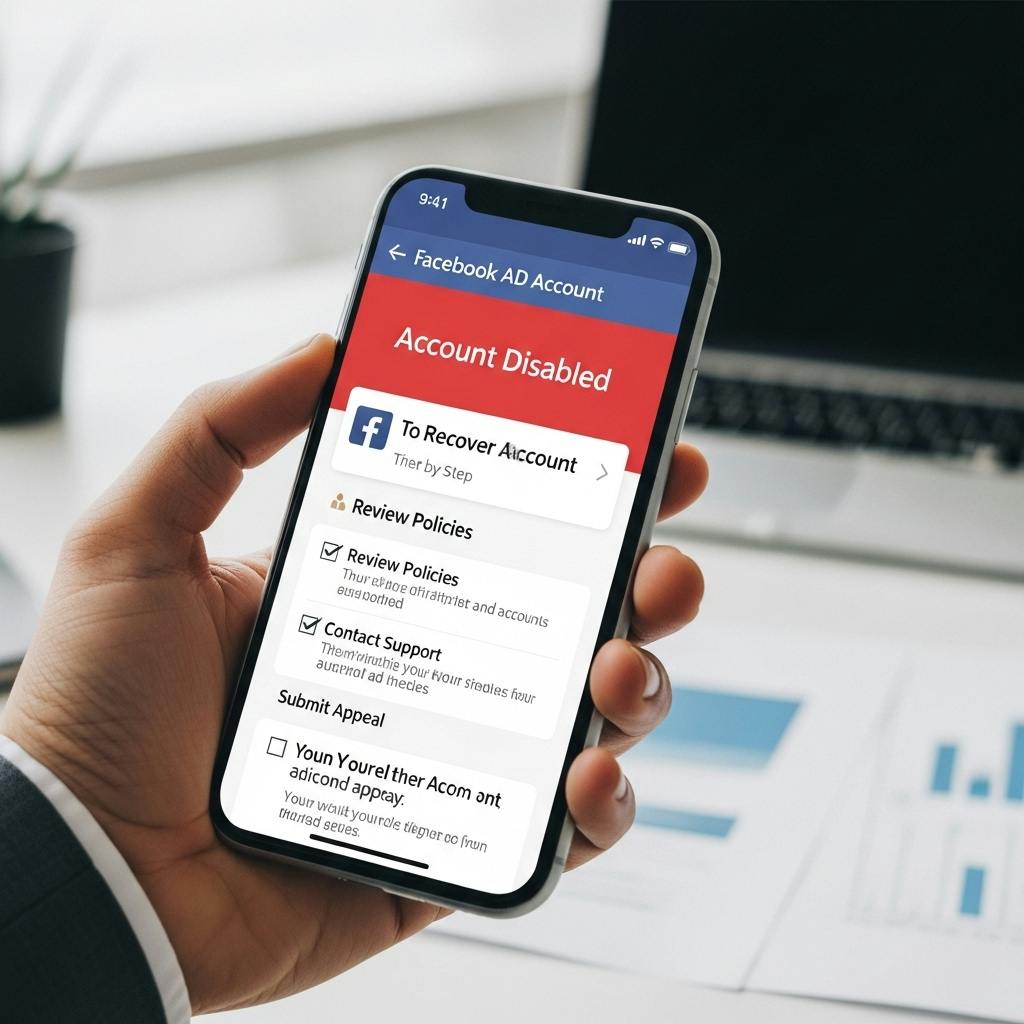
One moment you’re running ads, the next you see the dreaded red banner:
“Your Facebook ad account is disabled due to unusual activity or policy violation.”
Scary, right? But here’s the truth → most ad accounts are disabled for common mistakes and can be recovered with the right steps.
In this guide, you’ll learn:
- Why your Facebook ad account was disabled
- How to submit an appeal that works
- Best practices to prevent a disabled Facebook account in the future
- Real success stories from businesses that recovered fast
If you don’t want to handle the stress alone, partnering with a trusted digital marketing company in Kolkata can make the recovery process easier and ensure your campaigns follow best practices from the start.
Let’s get your Meta ads back on track.
Why Your Facebook Ad Account Gets Disabled
Think of Meta as a picky landlord. You may be paying rent (ad spend), but if you break a rule, you get a notice.
Here are the most common reasons an ad account was disabled:
- Policy Violations
- Ads violating Facebook advertising policies (misleading content, banned products, restricted industries).
- Using ad copy that “feels personal” (“Are you struggling with back pain?”).
- Unusual Activity
- Sudden spikes in ad spend.
- Logins from unknown IPs or VPNs.
- Too many new admins in Ads Manager.
- Payment Issues
- Failed transactions.
- Using flagged or prepaid cards.
- Inconsistent billing info.
- Repeated Mistakes
- Submitting ads that get disapproved again and again.
- Suspicious Content
- Ads flagged by AI for violating advertising policies, even when it was a mistake.
👉 Trivia: Nearly 11% of all ad accounts on Facebook get disabled every year, mostly due to avoidable mistakes.
Ready to Recover Your Ad Account?
At FavFly, we’ve helped service businesses recover from a disabled Facebook ad account, prevent violations, and restart campaigns without wasting ad spend.
Contact Us!Step 1: Confirm Why Your Account Was Disabled
Your first move isn’t to panic, it’s to find the exact reason.
- Open Facebook Ads Manager.
- Check the red banner at the top.
- Read the explanation (“Your account was disabled due to a violation of advertising policies” or “Unusual activity detected”).
👉 If your account was disabled due to payment, fix the billing issue.
👉 If your Facebook ad account is disabled due to policy, prepare an appeal.
Check Out: Meta Retargeting Ad: How to Bring Back Visitor Who Didn’t Convert
Step 2: Submitting an Appeal Correctly
Here’s where most advertisers go wrong: they rush to submit multiple appeals without context. That only makes things worse.
Instead, treat the appeal like a professional email:
- Go to the Meta Help Center → Choose Ad Account Disabled.
- Click Submit an Appeal.
- Provide additional information about your ad activity.
- Stay professional and explain why your account deserves review.
- Submit one appeal and wait 24–72 hours.
Sample Appeal
“Hello Meta Team,
My ad account was disabled due to suspected policy violation. I believe this may be a mistake as my ads comply with Meta’s advertising guidelines. Kindly review my disabled Facebook ad account. I can provide additional information if needed.
Thank you.”
Short. Polite. Clear.
Step 3: Strengthen Your Appeal With Proof
Meta trusts evidence more than emotions. To improve your chances:
- Attach invoices or payment receipts.
- Provide screenshots of compliant ads.
- Share your website links to show compliance.
- Add additional information if requested (ID verification, billing proof).
This shows your account wasn’t trying to violate policies.
Step 4: Prevent Mistakes That Trigger a Ban
Recovering once is stressful. Preventing another suspension is smarter.
Follow Advertising Policies
- No banned content (alcohol, adult, gambling, health scams).
- Don’t mislead audiences with exaggerated claims.
- Don’t use restricted content that violates Facebook guidelines.
Maintain Clean Payment Methods
- Use legitimate credit/debit cards.
- Avoid prepaid or flagged payment options.
- Pay outstanding balances quickly.
Avoid Unusual Activity
- Don’t triple budgets in one day.
- Don’t log in from random devices or IPs.
- Limit adding too many admins at once.
Watch Ad Performance
- Stop running ads with high negative feedback.
- Review rejected ads and fix content.
👉 Must Read: Why 90% of facebook ads not working (And How to Be the 10%)
Step 5: Backup Strategy If Appeal Fails
Sometimes, the decision doesn’t go in your favor. But don’t worry—there are ways to keep advertising.
- Create a new ad account inside Business Manager.
- Use a backup admin to run campaigns (if policy allows).
- Diversify your strategy → run Google Ads, Instagram marketing, SEO campaigns.
- Work with a Meta Business Partner Agency (like FavFly) that has direct support access.
👉 Trivia: Businesses that diversify across multiple platforms see 35% more stable lead flow than those who rely only on Facebook ads.
Quick Checklist: Recovering a Disabled Ad Account
Check the reason → Ads Manager red alert
- Review Meta advertising policies
- Submit an appeal → Once, with clear explanation
- Provide proof → Payments, compliant ad content
- Wait 24–72 hours → Don’t spam appeals
- Restart ads with compliance-first strategy
FAQs About Disabled Facebook Ad Accounts
Q: How long does Meta take to review?
A: Usually 24–72 hours, but complex cases may take longer.
Q: Can a disabled ad account be permanently banned?
A: Yes, if repeated violations occur. That’s why compliance and prevention matter.
Q: Can I still advertise on Instagram if my Facebook ad account is disabled?
A: No. Instagram ads also run through Meta Ads Manager.
Q: Should I submit multiple appeals?
A: No. Submitting multiple appeals can make Meta flag your activity as spam.
Conclusion: Don’t Panic, Just Take Action
A disabled Meta ads account feels like a nightmare but most issues can be resolved if you stay calm, follow the right steps, and appeal smartly.
Remember: Meta isn’t punishing you they’re protecting the platform. Once you prove compliance, your account gets back on track. And when you’re ready to start running campaigns again, using an Ads Budget Calculator can help you plan smarter, spend efficiently, and maximize your ROI.
Don’t Let An Account Was Disabled Message Kill Your Growth!
Contact FavFly today to fix your account, appeal decisions, and build a stronger digital marketing strategy.
Recover My Ad Account NowStart Growing in Just 3 Simple Steps
We assess your goals, craft a tailored strategy, and finally implement it so you can confidently grow your business.
Book a free consultation


Join Our WhatsApp Channel
Join our privacy friendly whatsapp channel and stay up to date with the latest news, updates, and exclusive offers. Join our community today!
Get Free Access
Solutions ❇️
Popular Gigs 📈
Tools 🛠️
- Ads Budget Calculator
- UnifyleadsSoon
- ShareUsReviewSoon
- BrandItSoon
- GrowSoon
FavFly Solutions for Your Digital Growth:
SEO Services in Kolkata | Local SEO Company in Kolkata | Digital Marketing Company in Kolkata | Social Media Marketing Services in Kolkata | WebStudio Website Development | UGC Reels Creation Services | Google My Business for Gynecologists | Google My Business for Restaurants | Google My Business Guide | Google My Business for Dentists | Google My Business for Interior Designers | Google My Business for Doctors | How Google My Business Profile Works
* About Us : At FavFly, we redefine digital marketing by focusing on what truly matters: your growth. We don’t just offer services like SEO, SMM, and website development – we become an integral part of your success story, providing strategic guidance and innovative solutions that empower your business to reach new heights.